Try a 24-Hour Free IPTV Trial in the UK — Activated on WhatsApp
Want to see how Sky Glass IPTV UK runs on your own device before you pay for anything? Send one WhatsApp message and your 24-hour free trial is activated straight away. Check your hardware in our compatible devices list, read our quick setup guide, or explore our full subscription plans when you're ready to upgrade.
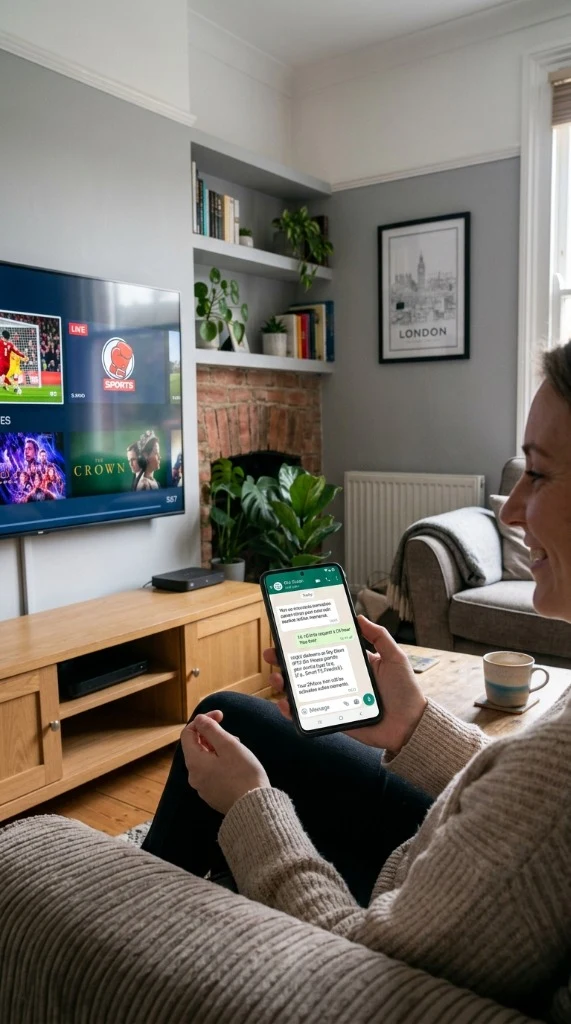
Try Before Choosing a Plan
Every device, home broadband connection and viewing habit is a little different, so it’s worth checking how a service actually runs for you before committing to a paid plan. The free trial gives you 24 hours to do exactly that on your own compatible device and your own internet connection, using the same service you’d get on a paid plan.
This isn’t a guarantee of any particular result on your setup — it’s simply a way to test the service yourself, on your own equipment, before you decide whether to subscribe.
What Can You Test During the Trial?
Use your 24 hours to check the things that actually matter to you day to day:
Your Own Device Performance
How the service runs on your own device — whether that’s a smart TV, streaming device, phone, tablet or computer.
Home Connection Playback
How the stream performs on the broadband and Wi-Fi or Ethernet setup you already have at home.
App & Device Set-Up
How straightforward it is to install and sign in on your compatible device.
Ease of Navigation
How quickly you can find your way around once you’re set up.
Support Responsiveness
Send our team a message on WhatsApp during your trial and see how quickly you get a reply.
How to Start Your 24-Hour Free Trial
Three simple steps with no sign-up forms and no contracts.
WhatsApp Request
1-Tap SetupReceive Credentials
Under 3 minutesTest On Your Device
Full TV accessStep 1 — Send a WhatsApp message
Message +44 7916 695722 on WhatsApp, or tap the button on this page, to request your free trial.
Step 2 — Receive your activation details
We’ll activate your trial straight away and send you what you need to get set up.
Step 3 — Test the service on your compatible device
Install the app on your device, sign in, and use your 24 hours to try the service on your own connection.
What You Need Before You Start
Getting ready for your trial takes under 3 minutes.
A Compatible Device
A smart TV, streaming device, phone, tablet or computer.
Internet Connection
A stable internet connection (Wi-Fi or wired Ethernet).
WhatsApp-Enabled Phone
So you can request your trial and reach support quickly.
A Few Minutes
A few minutes to install the app and sign in with provided details.
Wi-Fi or Ethernet Connection Advice
Both can work, but a wired Ethernet connection is generally steadier than Wi-Fi for streaming. If your device is far from the router, moving closer or using a cable helps prevent buffering.
Compatible Devices
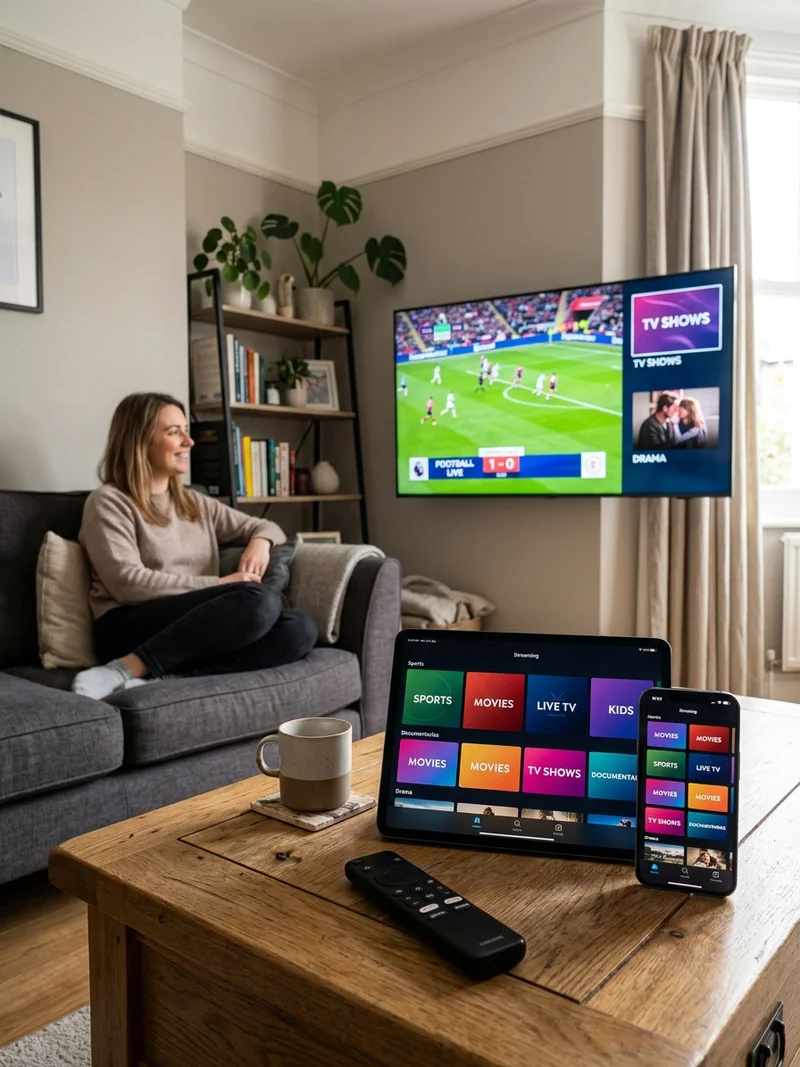
The free trial can be used on any compatible device — including smart TVs, streaming devices, phones, tablets and computers. Check our full compatible devices list, or follow our step-by-step setup guide to start watching in minutes.
What Happens After the Free Trial?
Your 24-hour trial is there to help you check whether Sky Glass IPTV UK suits your device and your internet connection. If you’d like to continue after your trial, you can choose a paid plan.
Plans are available for 1, 3, 6 or 12 months, starting from £12. Paid plans are activated immediately after payment, and you can pay using UK bank payment options, PayPal or another available method.
£12.00 / month
- 35,000+ Live Channels
- 150,000+ Movies & VOD
- 4K Ultra HD Anti-Freeze
£8.33 / month
- 35,000+ Live Channels
- All Sports & Free PPV
- 7-Day Catch-Up TV EPG
£7.50 / month
- 35,000+ Live Channels
- All Sports & Free PPV
- VIP Anti-Freeze 9.0
£5.42 / month
- Full VIP Channel Access
- All PPV & Sports Included
- 24/7 Dedicated UK Support
Support During Your Trial
Support is available 24/7 on WhatsApp throughout your trial. Message us on +44 7916 695722 or visit our contact our support team page if you need help with activation, device set-up, checking device compatibility, or choosing a plan once your trial ends.
Message UK Support on WhatsApp (+44 7916 695722)Frequently Asked Questions
Clear answers regarding your 24-hour free trial and activation process.
Is there a free IPTV trial?
How long does the free trial last?
How do I request my free trial?
How quickly is the trial activated?
Do I need a Sky account or Sky subscription?
Which devices can I use for the trial?
What should I test during the trial?
What happens when my free trial ends?
How can I get help during the trial?
How much do paid plans cost?
Is Sky Glass IPTV UK an official Sky service?
Can I choose a plan after the trial?
Do I need to enter card details to get the trial?
Ready to See It for Yourself?
Your 24-hour free trial is one WhatsApp message away, and it’s activated straight away — no sign-up form to fill in. Try it on your own device and connection, then decide if a plan is right for you.
Independent Service Disclaimer
Sky Glass IPTV UK is an independent service and is not affiliated with, endorsed by or sponsored by Sky. Sky and Sky Glass are trademarks of their respective owners.