IPTV Not Working? Common Problems & Troubleshooting Guide
When IPTV is not working, it can be frustrating, especially when you are unsure whether the problem is related to your internet connection, device, application, or setup.
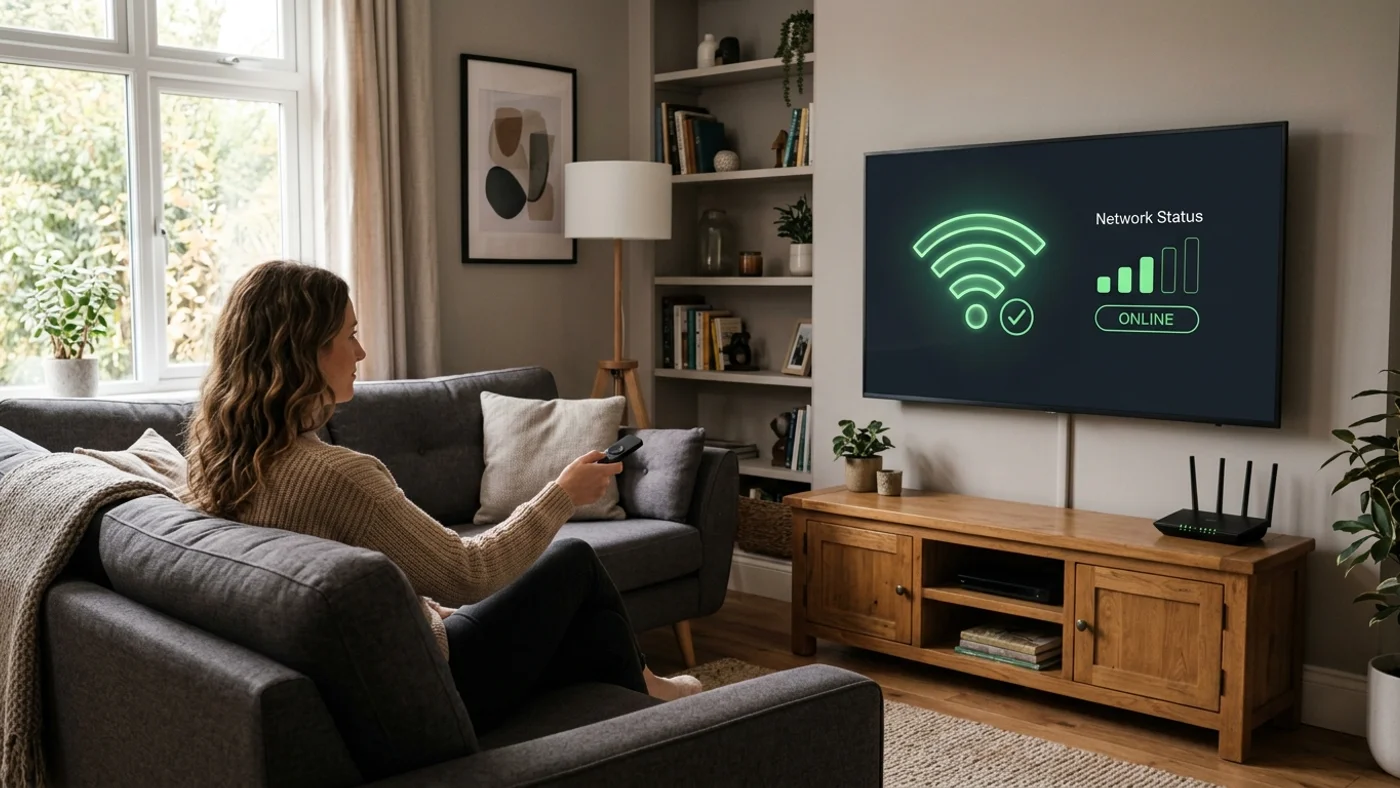
IPTV troubleshooting guide showing a smart television screen with connection check icons
Table of Contents
IPTV depends on multiple digital transmission factors working together. If you are new to internet protocol television, understanding what is IPTV and how streams are packetised provides a solid foundation before diagnosing playback faults.
Sometimes users search terms like “IPTV not working”, “is IPTV down today”, or “why is my IPTV not loading” because they want to quickly understand what may be causing the issue.
In this guide, we will explain the most common reasons IPTV may stop working, what users can check first, and when additional support may be needed.
Why Is My IPTV Not Working?
There can be several reasons why IPTV is not working correctly. Most issues usually fall into a few common categories:
Internet Connection Issues
Because IPTV delivers streams through internet protocols (as detailed in our guide on how does IPTV work), network problems can directly affect the viewing experience. Possible internet-related issues include:
- • Temporary connection interruptions
- • Unstable network connection
- • Router or network problems
- • Device losing internet access
Before assuming there is a problem with the IPTV service, checking whether other internet-connected devices are working correctly can help identify whether the issue is network-related.
Device Problems
Sometimes the issue is not related to IPTV itself but the device being used. Common device-related problems include:
- • Device software needing an update
- • Temporary system errors
- • Performance issues
- • Incorrect device settings
Restarting the device is often one of the first simple checks users can perform.
Application or Player Issues
An IPTV player or application may sometimes experience temporary problems. Possible causes include:
- • Application not loading correctly
- • Temporary app errors
- • Incorrect setup information
- • Compatibility issues
If the IPTV player is not working, checking the device compatibility and reviewing the correct setup information can help.
Setup Mistakes
Incorrect setup details can prevent IPTV from working properly. Common examples include:
- • Incorrect information entered during setup
- • Missing setup steps
- • Using a device that does not support the required setup method
For detailed setup guidance, users can check the website’s: read the setup guide
Service-Related Issues
Sometimes users search “IPTV is down” because they think the entire service may be unavailable. Before assuming the service is unavailable, it is useful to check:
- • Internet connection
- • Device status
- • Application behaviour
- • Setup information
This helps identify whether the issue is local or service-related.
Common IPTV Problems And Solutions
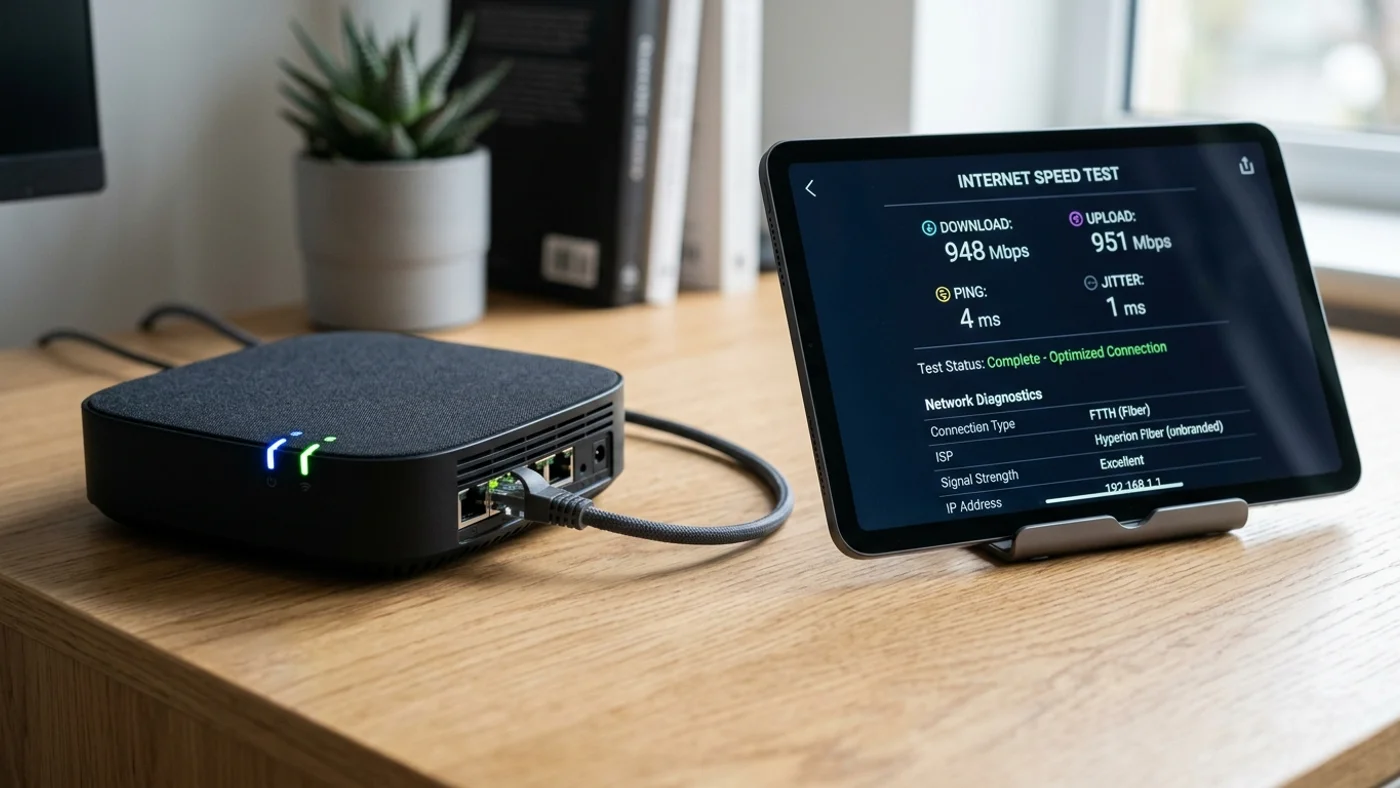
Checking Wi-Fi router, broadband speed, and device connection for IPTV troubleshooting
IPTV Not Loading
One common problem users experience is IPTV not loading properly. Possible reasons include:
Internet Connection Problems
If the internet connection is unstable, the IPTV service may struggle to load correctly.
Check:- • Is the device connected?
- • Are other online services working?
- • Is the connection stable?
Device Connection Issues
The device may temporarily lose connection or experience a system issue.
Try:- • Restarting the device
- • Checking internet connection
- • Opening the application again
Temporary Application Issues
Sometimes an application may not open correctly due to a temporary error.
Basic steps:- • Close and reopen the app
- • Restart the device
- • Check setup information
IPTV Buffering Problems
Buffering is another common issue users search for when they experience interruptions. Unlike traditional satellite broadcasts with dedicated frequencies (reviewed in our breakdown of IPTV vs traditional TV), IPTV buffering issues usually stem from local packet contention or router bandwidth limits:
Network Stability
A stable connection helps provide a smoother viewing experience. Temporary network interruptions can cause:
- • Loading delays
- • Freezing
- • Playback interruptions
Device Performance
The device being used can also affect performance. Older or overloaded devices may sometimes struggle with applications and streaming services.
Connection Quality
The overall connection between the device and internet network can influence performance. Checking the device connection and restarting network equipment may help identify the issue.
IPTV Freezing Or Stopping
If IPTV starts playing and then freezes, possible reasons may include:
- • Temporary connection interruptions
- • Device performance issues
- • Application problems
- • Network instability
- 1. Restart the device
- 2. Check the internet connection
- 3. Restart the application
- 4. Review setup information
IPTV Player Not Working
If the IPTV player is not working, users can check a few basic things:
Restart The Application
Close the application completely and reopen it. Temporary application problems can sometimes be resolved through a restart.
Check Device Compatibility
The device being used should support the required setup method. Different devices may have different requirements.
Users can review the: check compatible devices guide.
Review Setup Information
Incorrect setup information can prevent the player from working correctly. Users should review the setup instructions provided for their device.
IPTV Connection Problems
Connection problems can happen because of:
- • Internet connection issues
- • Device connection problems
- • Incorrect setup details
Basic Troubleshooting Steps To Try First
Before contacting support, users can try these simple checks:
Check Your Internet Connection
Confirm that your device has a working internet connection.
Restart Your Device
A simple restart can solve temporary device-related issues.
Restart Your Application Or Player
Close and reopen the IPTV application.
Check Device Compatibility
Make sure your TV, streaming stick, or mobile OS supports the required player application.
Review Setup Information
Verify your portal URL, M3U syntax, and user credentials match your activation details.
Contact Support If The Issue Continues
If basic troubleshooting does not solve the problem, you can contact our support team directly on WhatsApp for real-time diagnostic checks.
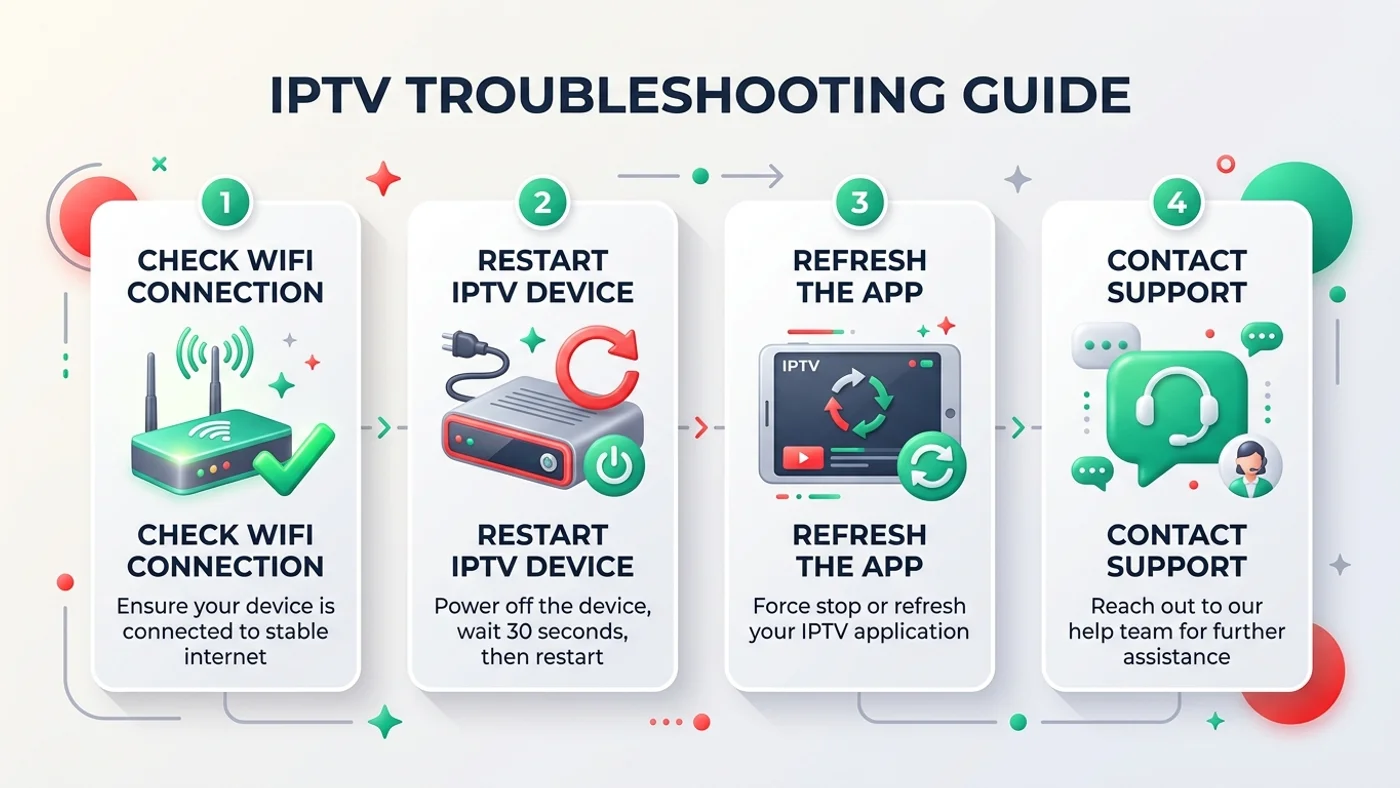
Step-by-step IPTV diagnostic checklist for resolving streaming, buffering, and player issues
Check Your Device Compatibility
Sometimes IPTV problems happen because the device being used does not support the required setup.
Common device categories include:
- Smart TVs
- Streaming devices
- Smartphones
- Tablets
- Computers
Before troubleshooting further, confirming whether your device is running the latest firmware update can prevent unnecessary configuration resets.
Review Your IPTV Setup
Correct setup information is an important part of ensuring IPTV works properly. Double check that port numbers, server URLs, and credential cases are entered exactly as supplied.
When Should You Contact Support?
Support can be useful when users need help with:
Setup Questions
If you are unsure about the correct setup process, support can guide you.
Device Compatibility Questions
If you are unsure whether your device is suitable, checking compatibility information can help.
Service Questions
If basic troubleshooting does not resolve the issue, contacting support may help identify the next step.
Customer support specialist assisting with IPTV setup and technical troubleshooting
How To Avoid Common IPTV Problems
Following a few simple practices can help reduce common issues.
Use A Suitable Device
Choose a device that supports the required setup.
Keep Device Software Updated
Regular updates can help improve device performance.
Follow Correct Setup Guidance
Using the correct setup information helps avoid configuration issues.
Maintain A Reliable Internet Connection
A stable connection helps provide a better experience.
Choose A Transparent Provider
Look for clear information about:
- • Service details
- • Support options
- • Subscription information
Frequently Asked Questions
Answers to common questions about fixing IPTV loading, buffering, and player problems.
Why is my IPTV not working?
Why does my IPTV keep buffering?
Why is my IPTV loading slowly?
Why is my IPTV player not working?
Can internet connection affect IPTV?
Can device compatibility affect IPTV?
Should I check setup before contacting support?
Sky Glass IPTV UK Support
If you are still experiencing IPTV issues, reviewing the setup guide and checking device compatibility can help identify possible causes.
You can also explore:
Independent Service Disclaimer
Sky Glass IPTV UK is an independent service and is not affiliated with, endorsed by or sponsored by Sky. Sky and Sky Glass are trademarks of their respective owners.
Related Articles
What Is IPTV? A Complete Beginner's Guide
Learn what IPTV means, how internet protocol television works, how it compares with traditional TV, and what devices are needed to start streaming.
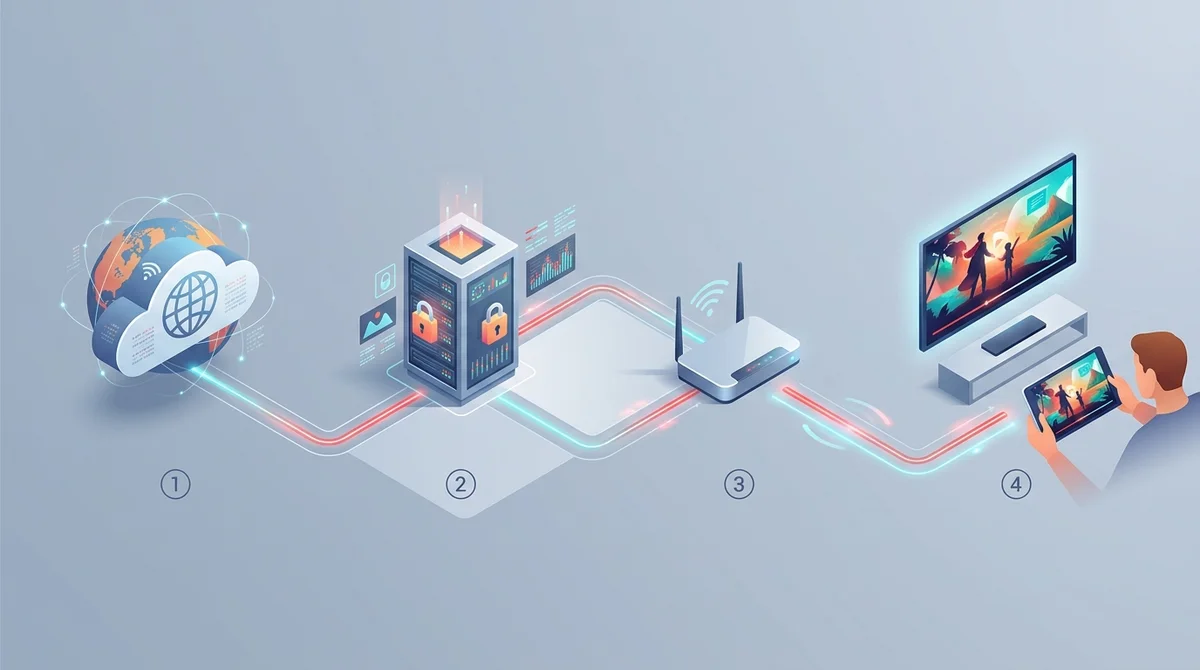
How Does IPTV Work? Internet Television Explained
Learn how IPTV works, how internet television delivers content, what devices are needed, and how IPTV differs from traditional broadcasting.
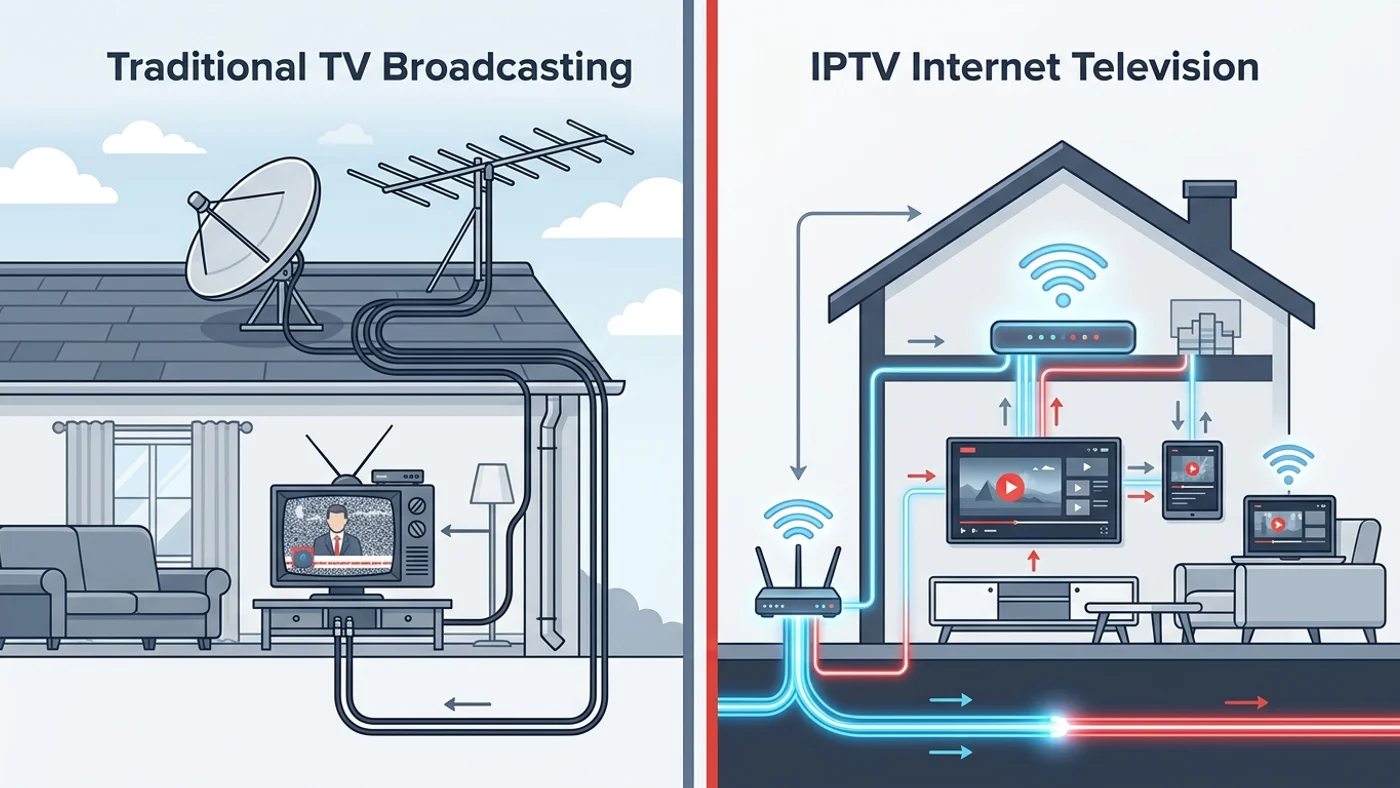
IPTV vs Traditional TV: What's The Difference?
Discover the difference between IPTV and traditional TV. Learn how both work, compare features, requirements, and what to consider before choosing.
24/7 WhatsApp Support Available
Our UK team can verify your activation, check device settings, or issue a clean 24-hour test line.